
Lensmora Client Gallery
Client galleries for photographers. Personal delivery for every guest.
Deliver branded online photo and video galleries, collect client selections, and let guests find their appearances with a selfie. Organize the event once, then share a link or QR code with access and download settings you control.
Web-first guest experiencePhoto and video deliveryPrivate face search
Video face scanning requires an eligible plan, enabled scanning, and completed processing. Explore video face recognition
Workspace previews below illustrate the product flow; their names and counts are examples.
Jesse & Jane
Manage event readiness, guest delivery, storage, and sharing from one place.
4,286PHOTOS18VIDEOS164GUESTS308VIEWERS
JJesse StudioAccepted
Quick actions• Useful next steps
Set gallery identityComplete
Select highlights32 highlights ready
Turn on guest uploadsComplete
Save this themeComplete
One clear path from studio to client.
Every step reflects the real Lensmora Client Gallery application, with the event workspace holding the details together.
Sign in
Open gallery.lensmora.com and enter the studio library.
Bring in media
Upload photos and videos, or import supported cloud folders.
Organize & design
Build collections, curate Highlights, and choose the guest theme.
Publish & share
Create gallery links, QR access, PIN rules, and RSVP entry points.
Clients interact
Guests find themselves, view, like, select, share, and download.
Finish delivery
Review selections, comments, activity, and removal requests.
Upload, import, organize
Keep every event organized.
Bring in the work, decide how it should be stored and seen, then organize it without leaving the event.
- Compressed or eligible original-quality photo uploads
- Google Drive and Dropbox import when configured
- Video upload, processing, privacy, and highlights
- Collections, manual order, filters, cover, and bulk actions
AllOfficialGuestFavoritesPrivate
□ Select all shown (50)Showing 1–50 of 4286

RNE_0214.JPG
1 face · 2.8 MB
RNE_0242.JPG
2 faces · 2.9 MB
RNE_0288.JPG
3 faces · 3.0 MB
RNE_0311.JPG
1 face · 3.1 MB
RNE_0349.JPG
2 faces · 3.2 MB
RNE_0381.JPG
3 faces · 3.3 MB
RNE_0412.JPG
1 face · 3.4 MB
RNE_0440.JPG
2 faces · 3.5 MBImport without flattening the storySupported Google Drive folders can map into collections; Dropbox is available through the configured cloud picker.
Optimize before deliveryPhoto and guest uploads can be compressed for faster transfer, while plan rules preserve original-quality options where available.
Keep motion beside stillsVideos follow their own durable upload, processing, preview, privacy, album, and download flow.
 Ceremony
 Ceremony
 Ceremony
 Ceremony
 Ceremony


AI, with the studio in control
Sort with confidence.
Lensmora’s AI Sorting Studio uses visual examples for your own collections and keeps the proposed changes in a review step before albums change.
- Few-shot sorting from selected example photos
- Paginatable preview with reassignment controls
- Plan-gated AI image editing in cancellable batches
- Before-and-after comparison plus undo
AI IMAGE EDITING
Edit in batches. Keep the original.
Selected images can move through the supported AI editing pipeline with progress, cancellation, an original comparison, and Undo AI Edit.
 BeforeEdited
Customize and publish
Shape every gallery around the event.
Choose the actual Lensmora guest theme, curate the cover and Highlights, preview it live, then publish with the event checklist complete.
- Default Lensmora, Insta Style, and Lumiere themes
- Live mobile guest preview
- Highlights as the curated first impression
- Share links, QR, PIN, registration, and download controls
Choose the guest experience
Theme changes update the live preview instantly.
 J&J
J&JA practical guest app for Find Me, albums, uploads, likes, and profile actions.
 @jesse.jane
A profile-led guest app with stories, posts, reels, and matched media.
 J&J
J&JA cinematic cover, refined typography, elegant albums, and minimal controls.
The client side of delivery
Help every guest find their moments.
Explore AI video face recognitionClients open the link in their browser. Depending on the event and access rules, they can explore Highlights and albums, search privately with a selfie, view photos and videos, like, share, select, upload, and download.
Find mePrivate selfie-to-photo and supported video matchingInteractLike photos and build a client shortlistReceiveSingle-media and prepared ZIP deliveryContributeGuest uploads through the same web experience
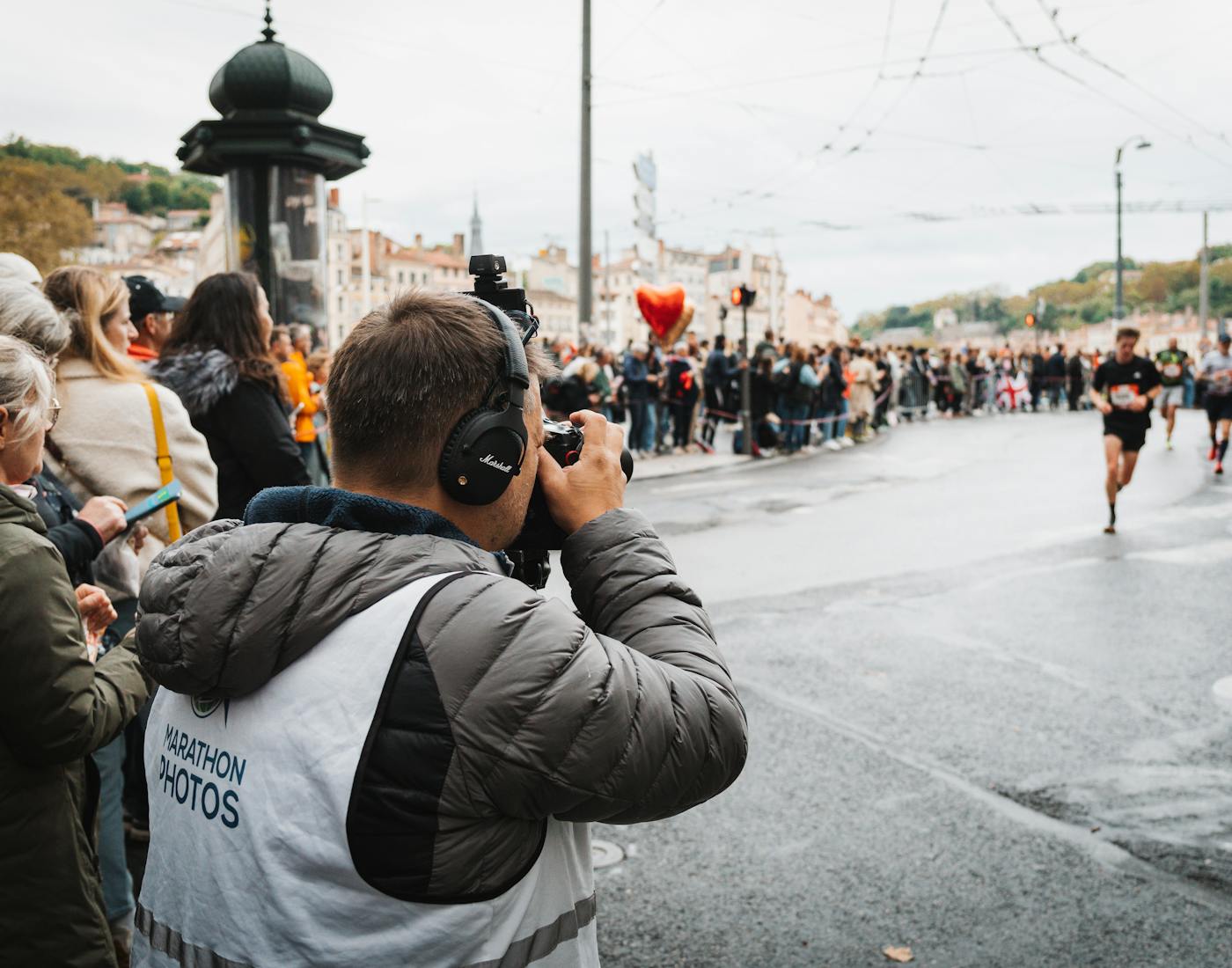
One selfie. Your race.
Search this event privately for moments where you appear.
 Find me
 Finishers
 Route
Route
cityrun Finish-line highlights
 Press teamNSS_0234.JPG
 SpeakerNSS_0251.JPG
 SponsorNSS_0268.JPG
 OrganizerNSS_0285.JPG
Selection and proofing
Turn favorites into a clear handoff.
The Selection workspace brings every liked photo back to the studio, grouped by guest and ready for production.
- Set or remove the client selection limit
- Review guest names and image comments
- Copy filenames with chosen separators
- Download .txt lists or prepare per-guest ZIPs
More of the real workspace
Everything the event gallery needs.
These capabilities are present in Lensmora’s Gallery application and follow plan or event configuration where applicable.
AI Sorting Studio
Teach collections with example photos, review suggestions, and apply only after approval.
AI image editing
Run plan-gated image edits in batches, compare before and after, and restore the original.
Highlights & collections
Star standout images, upload directly to Highlights, rename collections, and save manual order.
Photo and video delivery
Manage video processing, highlights, privacy, albums, downloads, and supported face scanning.
RSVP and smart sharing
Use gallery, check-in, guest, and full-access links with QR, PIN, registration, and WhatsApp-ready copy.
Guest uploads
Collect guest media through the browser, then approve, reject, or set visibility from the workspace.
Removal requests
Let a guest request removal and give the organizer a clear moderation queue.
Event analytics
Review viewers, downloads, selections, face searches, visitor roles, recent searches, and usage.
Delivery controls
Configure privacy, expiry, download sizes, original-quality access, and preview or download watermarks.
Collaborative access
Invite co-hosts, photographers, vendors, businesses, and guests with role-aware event access.
Before and during the event
Keep arrival, access, and delivery connected.
When enabled for the event, Lensmora can collect registrations, generate RSVP QR access, offer optional selfie enrollment for photo alerts, coordinate co-hosts, and moderate guest uploads.
- RSVP records, cover, collection settings, and CSV export
- Guest and collaborator invite links with role status
- Consent-aware photo-found and highlight notification flows
Visibility after publishing
See how every gallery is being used.
Gallery analytics keeps delivery measurable with event totals, engagement, download activity, search results, guest roles, and plan usage.
- Guest download leaderboard and recent activity
- Face searches, selections, and visitor-type signals
- Photo and video download breakdown
- Storage and guest usage limits
Gallery Engagement
1,942Total downloads1,876Photo downloads66Video downloads24Selections118Face searches91Guests downloaded
Guest download leaderboard
MSMaya Shah284downloads
DRDev Rao176downloads
NKNaina Kapoor142downloads
Recent searches
48 matchesToday, 11:24
31 matchesToday, 10:08
76 matchesYesterday, 20:41
Control access
Use privacy, link roles, optional PINs, registration requirements, event expiry, and guest-level access rules.
Protect presentation
Configure watermark content and placement for previews or guest downloads, plus eligible output sizes.
Prepare delivery
Queue safe ZIP generation for galleries or selections and keep original download paths inside the authorized flow.
Close the loop
Review guest comments, activity, upload moderation, and removal requests from the same event workspace.
Deliver every event with less friction.
Build the event, bring in the media, curate the experience, and deliver it through one complete Gallery workflow.